
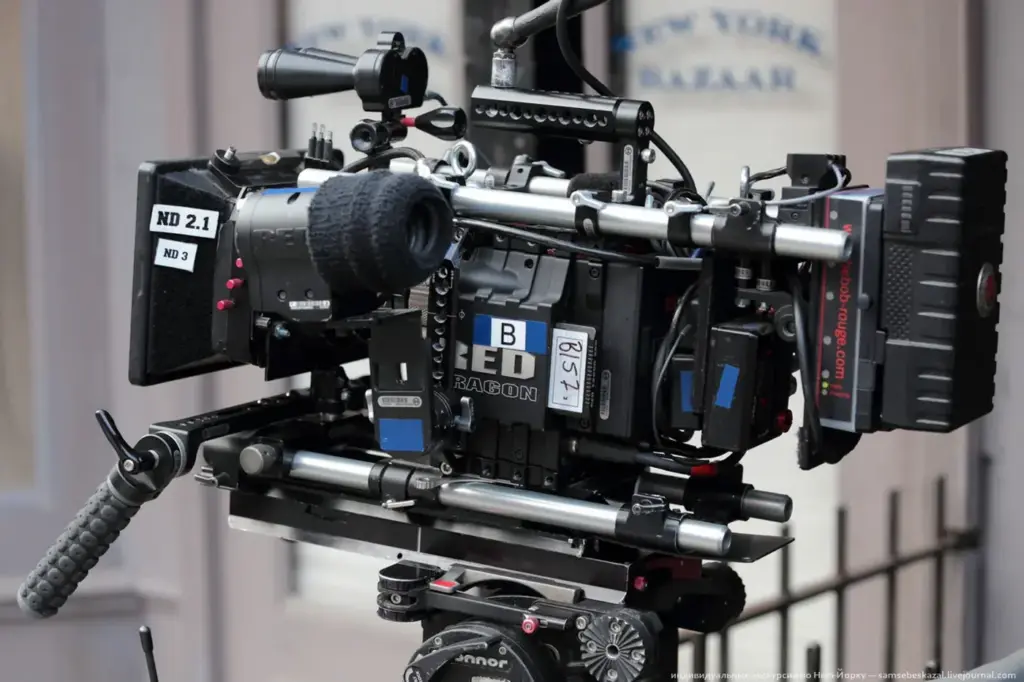
The choice of 24p vs 60p comes down to motion look and purpose. Twenty-four frames per second gives the soft, cinematic motion of movies, 30p is a cleaner everyday video look, and 60p is smooth and lifelike for sports and action. Sixty frames per second can also be slowed for slow motion, which 24p cannot do.
Why It Matters
Cameras now offer all of these rates, so the decision falls to you. A wrong pick is not a disaster, but it shapes how the footage feels, how much light and storage you need, and what you can do in the edit.
A short comparison of what each rate does well makes the choice quick and keeps you from defaulting to the highest number simply because it sounds better.
Beginner A Plain Comparison Of 24p, 30p And 60p
The letter p stands for progressive scan, meaning each frame is a complete picture, in contrast with interlaced video that splits frames into alternating lines. The number is the frames per second. Frame rates are explained in more depth in video frame rates.
24p, The Cinematic Choice
Twenty-four frames per second is the speed of movies. The motion has a gentle blur and slight flutter that audiences connect with storytelling. Choose it for narrative films, music videos, commercials, wedding films and any project where you want a cinematic feel. It also uses less storage than higher rates and needs less light because the shutter can stay slow.
30p, The Everyday Option
Thirty frames per second looks cleaner and a bit more immediate. It is common for interviews, tutorials, vlogs, news and web video in North America. It sits between film and live television, and it is a safe pick when the video will be viewed mostly on phones and computers.
60p, The Smooth Option
Sixty frames per second shows motion in very fine steps. Sports, video games, action camera footage and fast tracking shots look better at 60p because fast movement stays clear and does not stutter. The smooth look can feel like live television, which some viewers call the soap-opera effect, so it is not always right for drama.
| Question | 24p | 30p | 60p |
|---|---|---|---|
| Motion look | Cinematic, soft | Clean, neutral | Smooth, lifelike |
| Slow motion in a 24p edit | Not possible | Limited, about 80 percent | Smooth, 40 percent speed |
| Light needed | Least | Moderate | Most |
| File size | Smallest | Medium | Largest |
| Best for | Stories, films | Interviews, vlogs | Sports, action, slow motion |
How To Choose
- Ask what feeling you want. Film look means 24p. Clean and direct means 30p. Fluid and real means 60p.
- Check delivery. Match the rate your broadcaster or client asks for. Online platforms accept all three.
- Think about slow motion. If you may slow shots down, shoot them at 60p or higher.
- Match your shutter speed to the rate, as the 180 degree shutter rule explains.
Common Mistakes
- Shooting everything at 60p and then converting to 24p, which can look choppy if frames are dropped without a plan.
- Choosing 24p for a fast sports clip and getting motion blur that hides the action.
- Mixing rates in one timeline with no plan for conversion.
Handy for this: Fast Prime Lens — creamy backgrounds, low light. (affiliate link)
Advanced Judder, Motion Rendering, And The Cost Of 24p vs 60p
How Motion Is Rendered
At 24 fps, a quick pan across a detailed scene can show judder, where the picture seems to jump between positions. Filmmakers manage it by keeping pans slow, a guideline often summarized as taking at least five seconds to cross the frame, and by using the natural blur of a 180 degree shutter. At 60p, the steps between frames are smaller, so the same pan appears fluid. The tradeoff is that the smoothness removes some of the dreamlike quality viewers associate with film, and shorter exposure times also mean less blur per frame.
Light And Sensor Demands
Because the shutter should be about double the frame rate, 60p needs an exposure time of at most 1/120 second, against 1/48 at 24p. That difference is about 1.3 stops, which is the base-2 logarithm of 120 divided by 48. You must make up for it by opening the aperture, adding light or raising ISO. On many cameras, the 60p mode also uses a different readout that can crop the sensor or lower the dynamic range slightly, so test your own camera before a shoot.
Delivery And Display
The screen matters. A 24p video on a 60 Hz display is shown with pulldown, which makes slow pans uneven, while a 120 Hz screen displays it evenly. Many streaming platforms, such as video sites, handle rates well and can play 24, 30 and 60. The rate also affects bitrate budgets. A 60p stream needs more data than a 24p stream to maintain the same quality per frame, so platform limits can reduce quality at higher rates.
Conversion Between Rates
Turning 60p into 24p is not as simple as dividing. Sixty is not a multiple of 24, so the conversion needs frames to be blended or dropped unevenly. A cleaner path from 60p is to conform footage to 24p for slow motion, so each frame plays for 2.5 times as long, a process shown in conform frame rate. Going from 30p to 24p carries the same issue. If a project may need several versions, plan the rate at the start and shoot native footage for each.
Mixing Rates On Purpose
Some productions shoot mainly at 24p and capture selected shots at 60p or 120p for slow motion in the edit. This keeps the look consistent while still giving you the slow-motion option, and it fits the workflow in slow motion video. Keep the shutter angle the same between the two, so blur stays in proportion.
Try It
- Pick a subject with steady motion, such as a person walking or a ball being tossed.
- Record 10 seconds at 24p, 30p and 60p, using a shutter of double the frame rate each time.
- View all three on the same screen, and note which feels natural for the subject.
- Place the 60p clip on a 24p timeline and slow it to 40 percent. Compare it with the 24p clip.
Common Questions
Is 60p better than 24p?
Neither is better in every case. Sixty frames per second is smoother and suits action and slow motion, while 24p gives the cinematic feel preferred for storytelling.
Why does 24p look more cinematic?
Movies have been shot at 24 frames per second since the late 1920s, so viewers connect its soft motion blur and slight flutter with films. Familiarity plays a large role.
Can I convert 60p to 24p?
Yes, but the result depends on method. Slowing 60p to 24p for slow motion looks smooth, while keeping real-time speed means dropping frames, which can look choppy.
Which frame rate is best for YouTube?
YouTube plays 24, 25, 30 and 60 fps correctly. Choose the rate that fits the look of your content, and keep it consistent through the project and the export.
Related Lessons
- Video Frame Rates to learn how each rate works.
- The 180-Degree Shutter Rule to set the shutter for your chosen rate.
- Slow Motion Video to use 60p and higher for slow shots.
- Conform Frame Rate to slow high-rate footage cleanly.
- Cinematic Look to see what else shapes a film feel.
Gear That Helps With This
Hand-picked kit that makes this lesson easier to put into practice.
Some links are affiliate links: if you buy through them we may earn a small commission at no extra cost to you. How this works.