
Shutter angle is a way to describe exposure time as the part of a frame interval that the shutter is open, measured in degrees out of 360. A 180 degree angle means the shutter is open for half of each frame. Unlike shutter speed, the angle keeps the same motion blur when the frame rate changes.
Why It Matters
Cinema cameras and many modern hybrid cameras let you choose shutter angle in place of shutter speed. It is a better setting for video, because the motion look you want depends on the share of each frame that is exposed, not on a fixed number of seconds.
When you change frame rate, a shutter speed must be recalculated to keep the same look, while an angle carries over unchanged. Understanding both and converting between them lets you use any camera with confidence.
Beginner Shutter Angle Versus Shutter Speed Made Simple
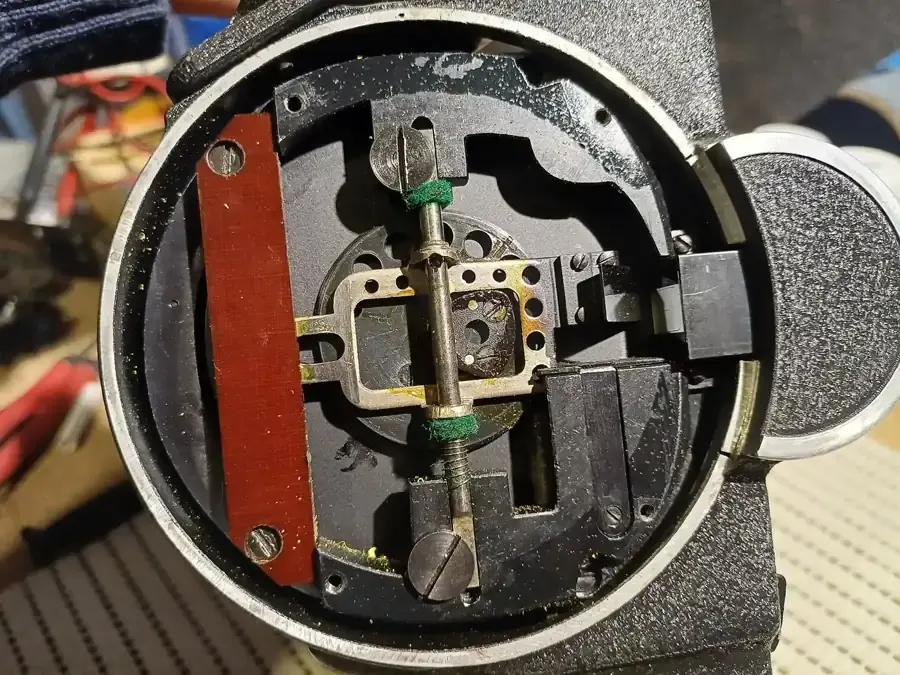
Film cameras used a rotating disc to expose each frame. The disc had an opening, and the size of that opening was measured in degrees of the circle. A full circle is 360 degrees. A half circle is 180 degrees, so the film was exposed during half the cycle. A narrower opening, such as 90 degrees, exposed it for a quarter of the cycle.
Shutter speed is the same idea in seconds. If the frame interval is one divided by the frame rate, the exposure time is a fraction of that interval. The angle simply states the fraction, so 180 degrees means one half, 90 means one quarter, and 360 means the whole interval.
The Conversion
The formula is easy to remember. Shutter speed in seconds equals the angle divided by 360, divided by the frame rate. Expressed as a fraction, the shutter is one divided by the frame rate times 360 divided by the angle.
| Frame rate | 180 degrees | 90 degrees | 360 degrees |
|---|---|---|---|
| 24 fps | 1/48 | 1/96 | 1/24 |
| 25 fps | 1/50 | 1/100 | 1/25 |
| 30 fps | 1/60 | 1/120 | 1/30 |
| 60 fps | 1/120 | 1/240 | 1/60 |
| 120 fps | 1/240 | 1/480 | 1/120 |
Why Angle Is Handy
Suppose you shoot a scene at 24 fps with a 180 degree angle, then later you need a few shots at 60 fps for slow motion. With shutter speed, you have to remember to change 1/48 to 1/120. With the angle setting, 180 degrees stays right, and the camera works out the speed. The motion blur on each frame stays in proportion. This is the idea of the 180 degree shutter rule.
Setting It On Your Camera
- Open the exposure settings and look for a shutter mode option. On cinema cameras, you may find it under a menu such as Shutter Unit.
- Switch the display from speed to angle if available. If your camera shows only speed, use the table above.
- Set 180 degrees as the standard. Use 144 degrees for 24 fps in places with 60 Hz lighting, which equals 1/60.
- Control brightness with ISO, aperture and ND filters instead of the angle.
Common Mistakes
- Changing frame rate and leaving shutter speed untouched, which changes the motion look.
- Using the shutter to brighten or darken the image in the middle of a scene.
- Assuming a 360 degree shutter is always bad. It is useful in very low light, though motion becomes smeared.
Handy for this: Camera Gimbal — smooth handheld footage. (affiliate link)
Advanced Exposure Interval, Light Loss And Rolling Shutter Interactions
Light Cost Of Each Angle
Each halving of the angle costs one stop of light. Going from 180 to 90 degrees halves the exposure time, so you need one stop more light through aperture, ISO or ND removal to keep the same brightness. Going from 180 to 360 degrees doubles the exposure and gains one stop. This is a useful trick for dark scenes, but it changes the motion look, so use it with intention. The stop arithmetic follows stops of light.
Maximum Angle Limits
A sensor needs time between frames to read out and reset. This means cameras often cannot reach a full 360 degrees. Some cameras limit the shutter to 358 degrees or less. Slower readout modes or high-resolution recording can reduce the maximum even more. If a setting looks unavailable, check the frame rate, resolution and codec, because all of them can limit the exposure interval.
Electronic Shutters And Rolling Shutter
Most video modes use an electronic shutter, where lines of the sensor are exposed one after another. The angle describes the exposure time of each line, not a mechanical event. Because the lines are read at different times, fast pans can skew vertical edges, an effect described in rolling shutter. Narrow angles do not remove the skew, since the readout time is unchanged. A global shutter exposes all lines at once, which avoids the skew, and it is why some cinema cameras use them.
Matching Shots In A Scene
When cutting between cameras or between footage at different frame rates, matching the angle keeps blur consistent. A 180 degree shot at 24 fps and a 180 degree shot at 48 fps have the same fraction of each frame exposed, so each frame shows blur in the same proportion to the motion between frames, even though the shutter speeds are 1/48 and 1/96. The idea connects directly to slow motion video, where the playback rate and shooting rate differ.
Verifying Your Settings Objectively
Check the angle with a simple test. Film a spinning fan or a pendulum at a known rate, then measure the blur length in a frame and compare it with the distance the object moved. At 180 degrees, the blur covers about half of the movement between frames. If the ratio is far off, the camera may be rounding the shutter value or applying a different setting than the display shows. Also verify flicker behavior under practical lights, since mismatched mains frequency can give banding even when the angle is correct.
Try It
- Set the camera to 24 fps and write down the shutter speed that equals 180 degrees, then 90 degrees, using the table.
- Film a spinning fan or a swinging pendulum at both angles.
- Step through the footage frame by frame and compare the blur length of each.
- Change to 60 fps, and calculate the new speed that keeps 180 degrees. Film and confirm the blur looks the same relative to motion between frames.
Common Questions
What does 180 degrees mean on a camera?
It means the shutter is open for half of each frame interval. At 24 fps that is 1/48 second, and at 60 fps it is 1/120 second.
Is shutter angle the same as shutter speed?
They describe the same thing in different units. Speed uses seconds, while angle uses the share of the frame interval, so the angle stays valid when the frame rate changes.
Can I use shutter angle on a hybrid camera?
Some hybrid cameras offer it in video mode, and others show only shutter speed. If yours does not offer angle, use the conversion formula or the table in this lesson.
What angle should I use for low light?
A wider angle such as 270 or 360 degrees gains stops of light and still gives plausible motion. It adds more blur, so use it only when you cannot add light or open the aperture.
Related Lessons
- The 180-Degree Shutter Rule to learn the standard setting.
- Video Frame Rates to choose the base rate for the angle.
- Stops of Light to count the cost of each angle change.
- Rolling Shutter to learn what the angle cannot fix.
- ND Filters for Video to control exposure without changing the angle.
Gear That Helps With This
Hand-picked kit that makes this lesson easier to put into practice.
Some links are affiliate links: if you buy through them we may earn a small commission at no extra cost to you. How this works.