
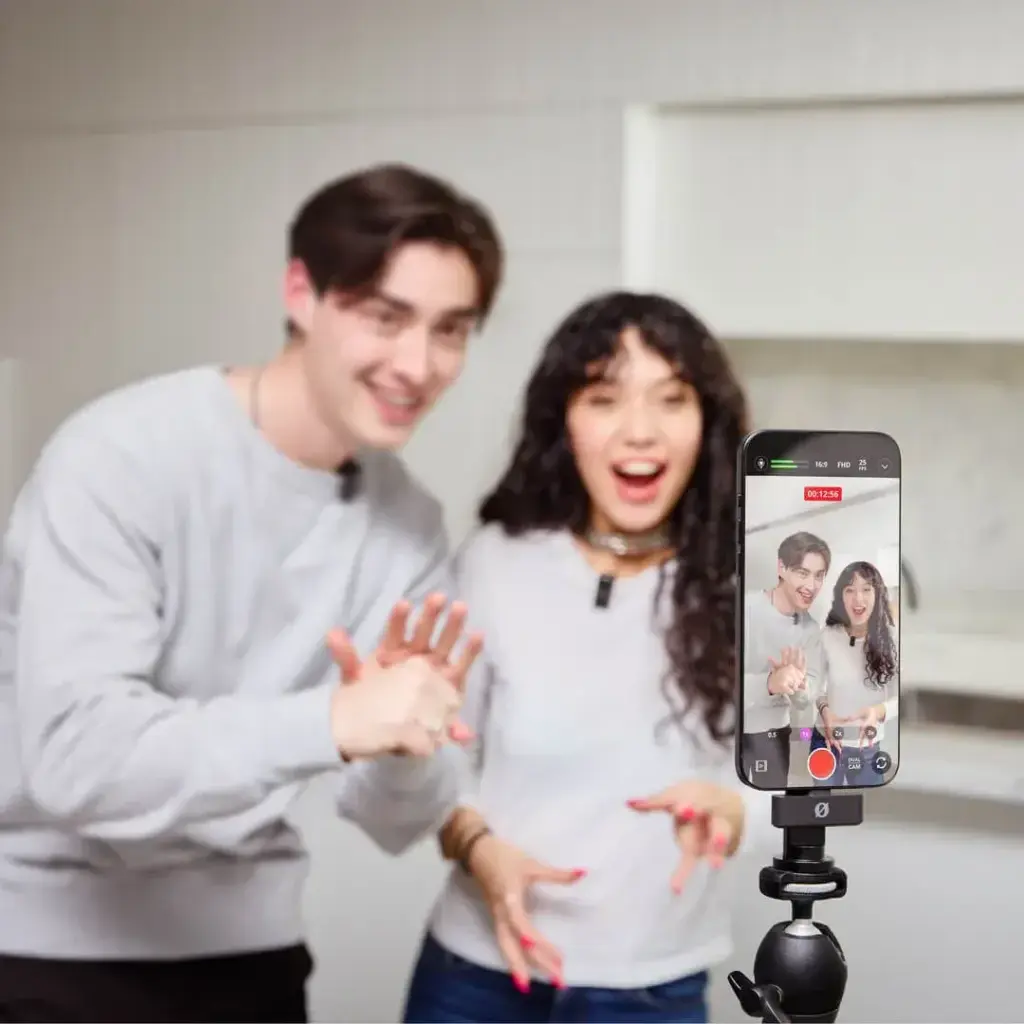
Phone audio recording sounds clean when the phone sits close to the speaker, about 6 to 12 inches from the mouth, in a quiet room with soft surfaces. Turn on airplane mode, check your levels with a test, and clap at the start so you can sync the file to your camera clip later.
Why It Matters
Viewers forgive soft video far more than bad sound. A camera microphone sits far from the subject and picks up room echo, wind and handling noise, while a phone in your pocket can sit right next to the speaker and capture a stronger, cleaner voice.
A modern phone has a good microphone and a high quality recorder built in. With careful placement and a simple sync routine, it can serve as a backup or main recorder for interviews, tutorials and short films.
Beginner Phone Audio Recording: Capturing A Clean Voice
Distance and room noise decide most of the quality. Fix those first, and the app you use matters much less.
Set Up The Room
- Pick the quietest room you have. Turn off fans, air conditioners and refrigerators if you can.
- Add soft surfaces such as curtains, rugs, couches and blankets. Hard walls and bare floors create echo.
- Close windows and doors to reduce traffic and voices.
- Ask people to stay still and avoid tapping on the table.
Place The Phone
Put the phone 6 to 12 inches from the speaker, pointing the bottom edge, where the main microphone usually sits, toward the mouth. Aim slightly below the chin to reduce harsh breath sounds. Keep the same distance for the whole take, because the volume changes a lot when someone leans in or out. Lay the phone on a folded towel or small cloth so it does not pick up table vibrations.
Phone Settings
| Setting | Choice | Why |
|---|---|---|
| Airplane mode | On | Stops calls, messages and radio interference |
| App | Built-in voice memo or a recorder app | Simple and reliable |
| Format | WAV or lossless if offered | Keeps full quality for editing |
| Sample rate | 48 kHz if available | Matches most video projects |
| Storage | Check free space first | Prevents the recording from stopping |
Quick Recording Routine
- Record 30 seconds of silence in the room first, which gives you room tone for editing.
- Say a test sentence at your normal volume and play it back with headphones.
- Clap once, loudly, in view of the camera at the start of every take.
- Record the whole performance without stopping the app.
- Copy the file to your computer right away and keep a backup.
Common Mistakes
- Holding the phone in your hand, which adds handling noise.
- Recording in a bathroom or kitchen with hard surfaces and humming appliances.
- Leaving notifications on, so that a buzz ruins the take.
- Starting to record only after the speaker starts talking.
Handy for this: Shotgun Microphone — clean, clear sound. (affiliate link)
Advanced Placement, Wind, Levels And Syncing
Distance And Signal To Noise
Sound gets weaker as you move away from a source. Each time you halve the distance between mouth and microphone, the voice gets about 6 decibels louder compared with the room noise, which is a big gain. That is why a phone at 8 inches can beat an expensive microphone on a camera at 6 feet. Closer is not always better, because very close placement makes plosives and bass boom louder. A distance of 6 to 12 inches with a slight angle is a safe starting point. For more on mic positions read audio for video.
Wind Protection
Outdoors, wind blowing across a phone microphone makes a low rumble that is almost impossible to remove later. Put your body between the wind and the phone, record in a doorway or behind a car, or use a foam or furry windscreen made for phones. If you use a lavalier mic plugged into the phone, see lavalier microphones, because clipping it under a collar shields it from gusts. Avoid covering the microphone opening with tape or cloth, which muffles the voice.
Setting Levels
Many phone apps use automatic gain, which raises the volume in quiet moments and increases noise. If your app lets you set levels, aim for voice peaks around minus 12 to minus 6 decibels, leaving room before the recording clips and distorts. A recording that is too low can be raised in editing, but a clipped recording cannot be repaired. Test with the loudest line the speaker will say. The lesson on audio levels explains peaks and headroom in more detail.
Syncing With Camera Clips
Your camera records its own audio, even if it is poor, and that track is a guide. In an editor, select the camera clip and the phone file, then use automatic sync by waveform, or line up the clap on the timeline by eye. Mute the camera audio once they match. Phone clocks run at nearly the same rate as camera clocks, so for clips shorter than about 10 minutes, drift is small, but check the end of a long take. See sync audio clapper for more on slates and claps.
Cleaning Up In Editing
Light noise reduction can remove steady hiss or hum, but too much makes a voice sound watery. Use your room tone clip to teach the tool what to remove, then add a gentle equalizer cut below 80 Hz and a small boost near 3 kHz for clarity. For tool details see Premiere audio noise reduction. A phone can also be a second angle for dialogue, similar to the way a shotgun mic sits close to a speaker.
Try It
- Choose a quiet room, switch the phone to airplane mode and put it on a folded towel 8 inches from your mouth.
- Record 30 seconds of room tone, then read a paragraph aloud and play it back with headphones.
- Record the same paragraph from 3 feet away and compare the echo and noise.
- Clap once at the start of a video clip and sync the phone file to it in your editor.
Common Questions
How far should a phone be from the speaker?
Place it 6 to 12 inches from the mouth, with the bottom edge pointing at the speaker. This keeps the voice strong compared with room noise and avoids heavy breath sounds.
What format should I record phone audio in?
Use WAV or another lossless format if your app offers it, at 48 kHz for video work. If not, a high quality compressed file still works for most projects.
How do I sync phone audio with video?
Clap once at the start of the take, then match the clap in your editor or use automatic waveform sync. Mute the camera audio after the two tracks line up.
Do I need an external mic for a phone?
Not always. A phone close to the speaker in a quiet room sounds good. A lavalier mic helps when the speaker moves, or when you record outdoors or in a noisy place.
Related Lessons
- Audio For Video for the basics of capturing sound that matches your pictures.
- Audio Levels for setting peaks and headroom without distortion.
- Lavalier Microphones for a clip-on option that plugs into a phone.
- Sync Audio Clapper for lining up separate sound with video.
- Premiere Audio Noise Reduction for cleaning up hiss and hum in editing.
Gear That Helps With This
Hand-picked kit that makes this lesson easier to put into practice.
Some links are affiliate links: if you buy through them we may earn a small commission at no extra cost to you. How this works.